Children’s Online Safety
Learn to discuss privacy, scams, cyberbullying, gaming and family technology expectations. Platform rules and features change; use current official guidance and age-appropriate oversight.
0/4 lessons complete · Best assessment: 0% · Project pending
01 · Privacy and account protectionOpen lesson
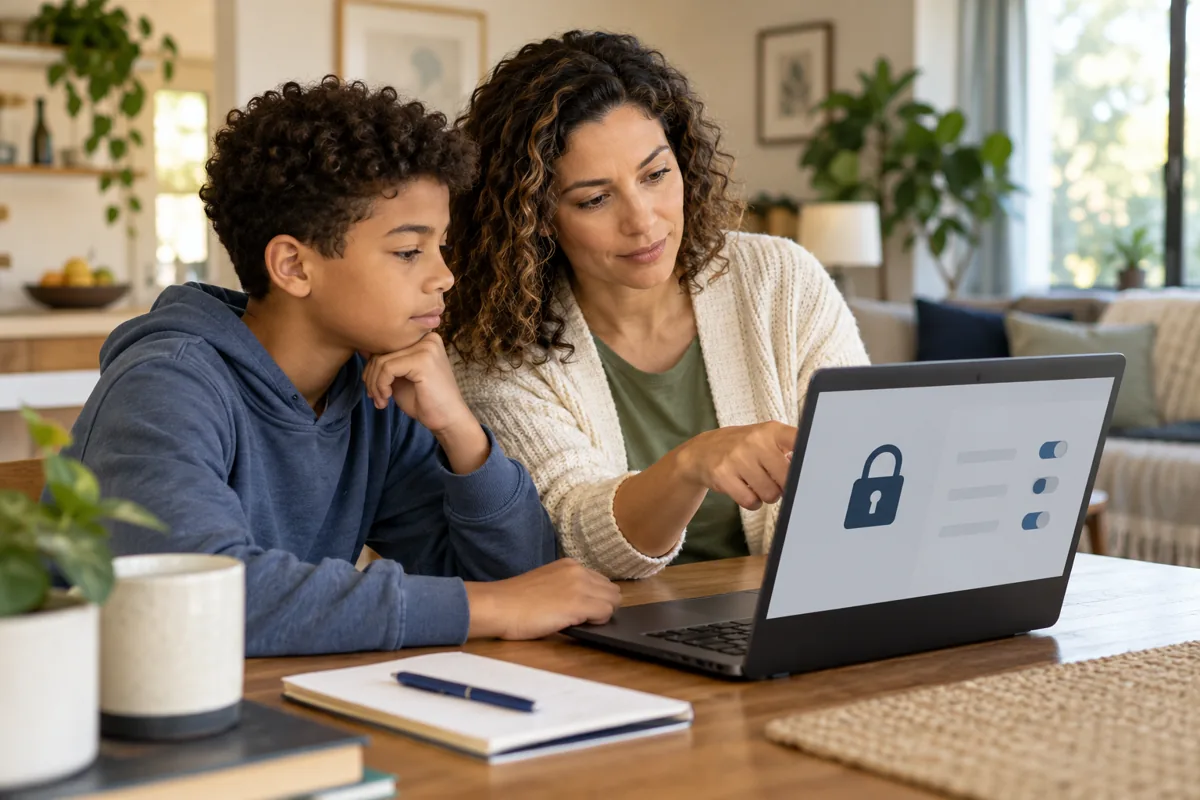
Discuss what information should not be shared publicly, including passwords, location details and identifying information. Review privacy settings together and use strong authentication where available. Settings cannot control every person who sees or copies a post. Teach children to ask before sharing other people’s information or images. Use age-appropriate accounts and follow the platform’s rules rather than bypassing restrictions.
A family removes public location information and reviews who can contact a child’s account.
Try it yourself
Draft three privacy rules for a fictional family agreement.
02 · Scams, pressure and online contactsOpen lessonLocked — complete previous lessons

Online messages may impersonate friends, companies or game services. Be cautious of requests for passwords, verification codes, money, secrecy or urgent action. A familiar username is not proof of identity. Encourage the child to stop and ask a trusted adult rather than fearing punishment for a mistaken click. Verify through an independently established channel before responding to an unexpected request.
A supposed game moderator asks for a verification code to unlock a reward; the child pauses and asks for help.
Try it yourself
List three warning signs and a safe pause-and-check response.
03 · Cyberbullying and getting helpOpen lessonLocked — complete previous lessons
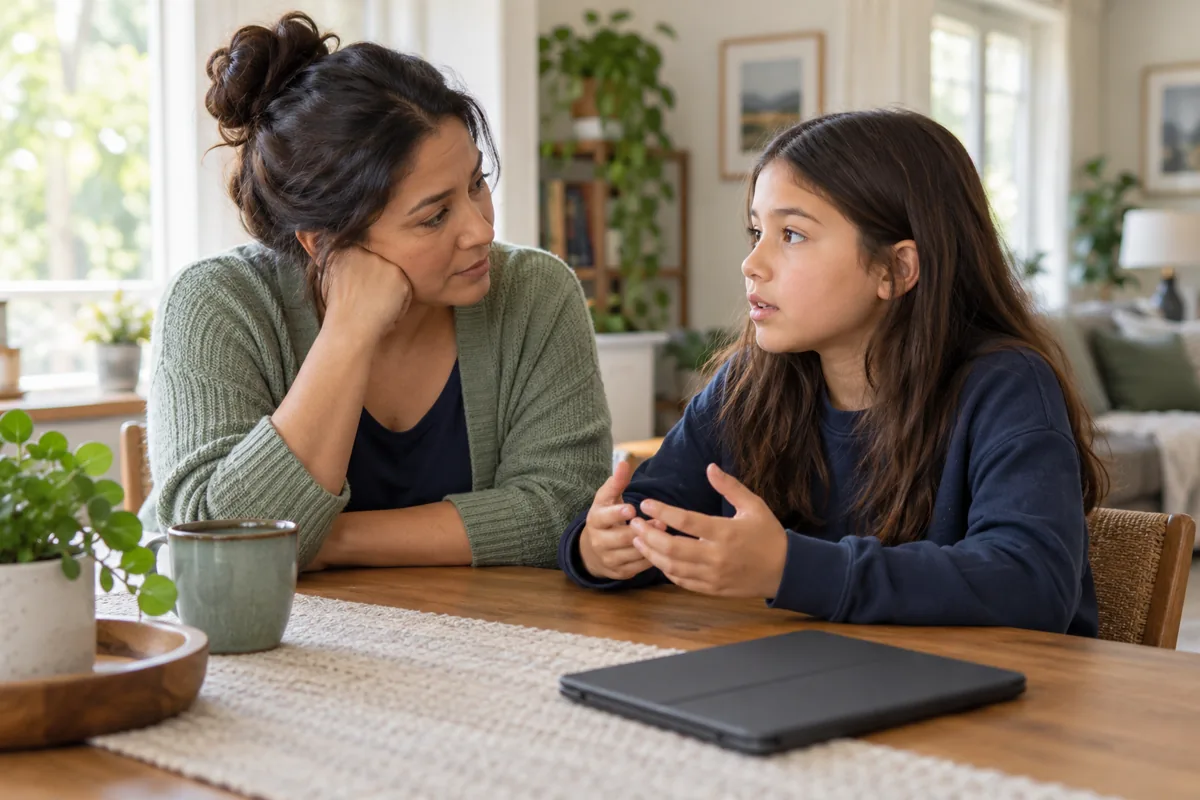
Take reports seriously, listen and avoid blaming the child for being targeted. Do not retaliate or forward harmful content. Use platform reporting and blocking tools and seek appropriate school or other support when relevant. Preserve nonexplicit evidence safely when useful, but do not download or redistribute suspected sexual images of a child. Threats or immediate danger require appropriate urgent help.
A child reports repeated hostile messages; the caregiver listens, reviews safe reporting options and helps plan support.
Try it yourself
Draft a supportive response and a reporting plan for a fictional incident.
04 · Gaming and a family technology agreementOpen lessonLocked — complete previous lessons

Discuss age suitability, online interaction, spending, sleep and responsibilities when choosing games or apps. Parental controls can support agreed limits but do not replace conversation. Explain purchasing permissions and how to ask for help with unwanted contact or a mistake. Review the agreement as needs change and make it easy to report problems without promising that every consequence disappears.
A family agrees that purchases need permission and reviews chat settings before enabling an online game.
Try it yourself
Complete the technology agreement with a help-seeking plan and review date.